
Upcoming Mobile App Security Update
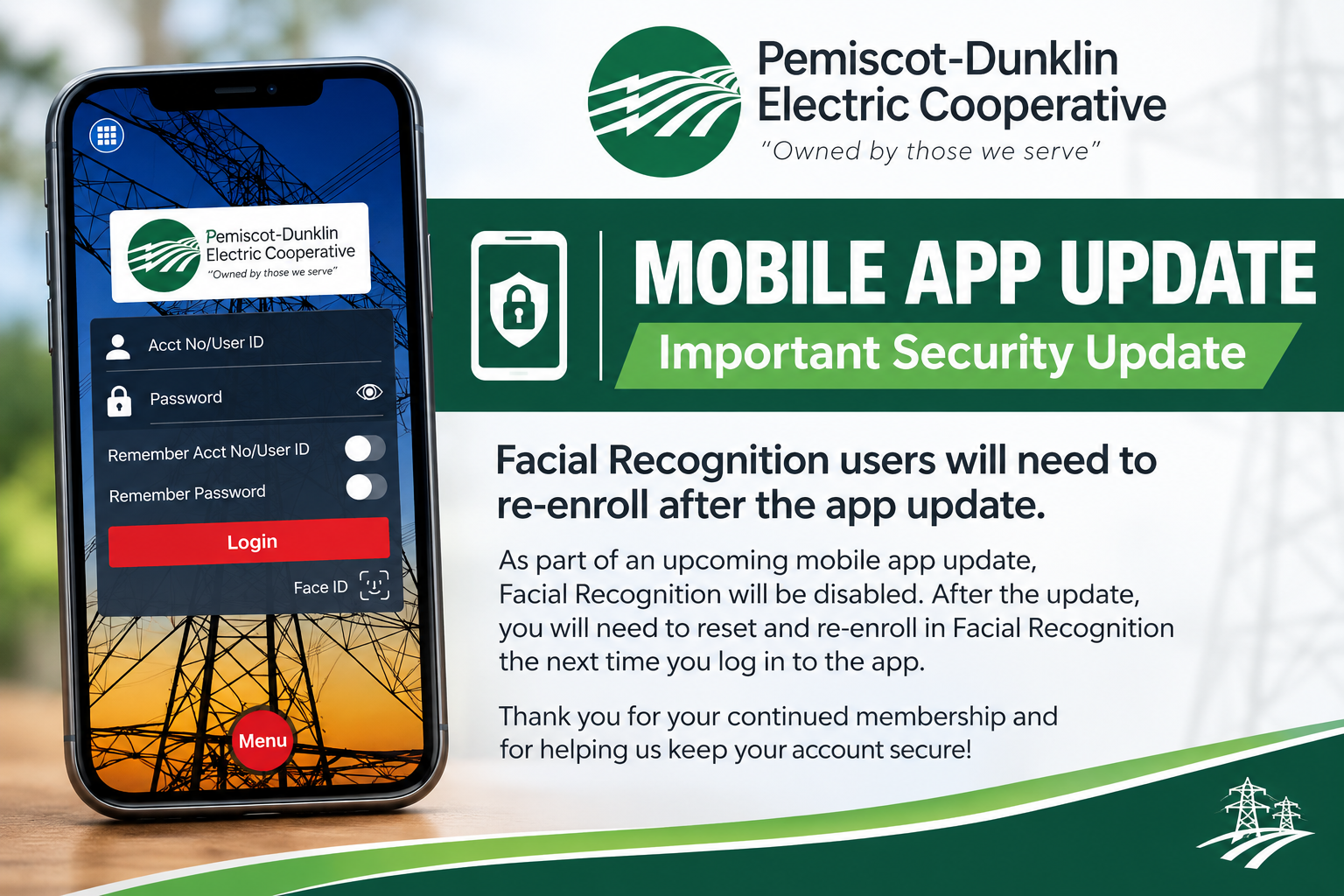
PDEC's mobile app will soon receive an update that includes important security enhancements. As part of this update, members who currently use Facial Recognition to access the mobile app will need to reset and re-enroll in Facial Recognition after the update is installed. What do I need to do? No action is required at this time. Once the updated app is available, members may be prompted to log in normally and set up Facial Recognition again. Simply follow the prompts in the app to re-enable the feature. This is a one-time step associated with the security update. Your PDEC account, billing information, payment methods, and other account settings will not be affected. We appreciate your patience as we work with our mobile app provider to keep your account information secure.